






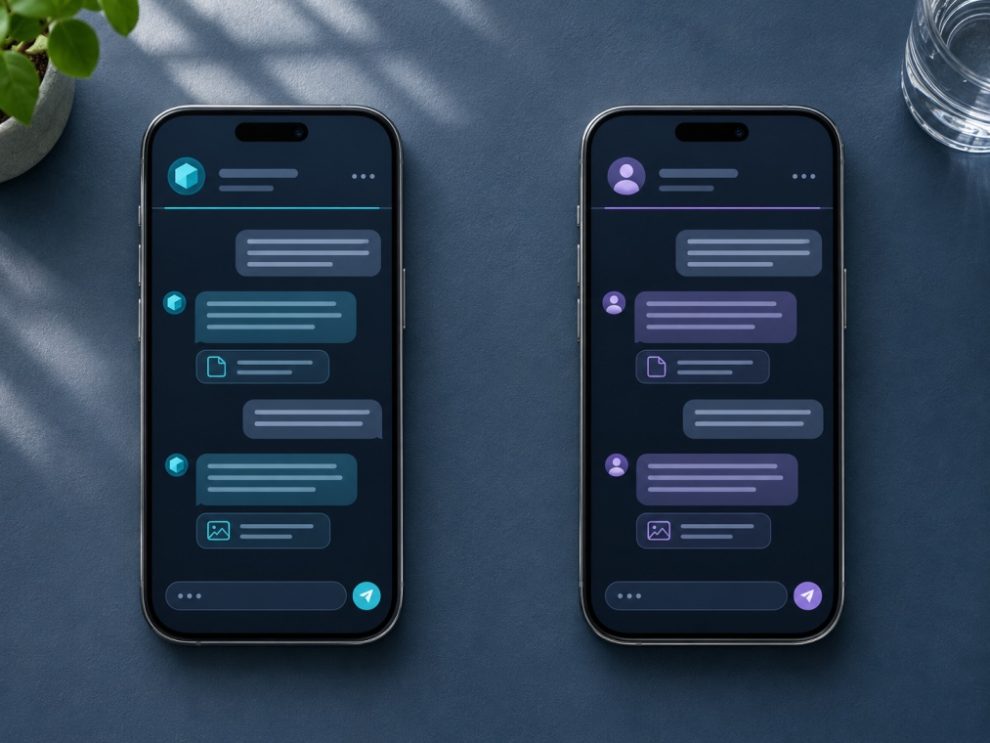

A user starts an AI conversation in Workspace A, then switches to Workspace B before the response finishes. The interface updates immediately. Three seconds later, the old response arrives. Where does it go?
That race condition captures the challenge of building a multi-tenant React Native AI app. Workspace isolation has to hold across the mobile interface, API, database, document retrieval, and AI tools. A workspace switch changes what the client displays. Every service handling the request still needs to know which workspace it belongs to and what the user is allowed to do there.
Establish the workspace on the server
In a SaaS product, the tenant is usually the customer organization. A workspace may represent that entire organization or a smaller boundary within it. A user can belong to several workspaces and have different permissions in each. An administrator in one workspace might be a read-only member in another.
The React Native client can send the selected workspace ID with a request. The API should verify the session, confirm current membership, and check the requested operation before using that ID to fetch a conversation, search documents, or start an AI run. OWASP’s multi-tenant security guidance recommends establishing tenant context early in the request lifecycle and verifying that each resource belongs to the authorized tenant.
For shared PostgreSQL tables, put tenant ownership on customer records and add row-level security (RLS) as a second enforcement layer. Scope writes as well as reads. Run application queries under a restricted role because table owners normally bypass RLS, and superusers and roles with BYPASSRLS always do. If the policy relies on per-request database context, set it within the transaction and test that pooled connections cannot carry it into a later request.
Carry the boundary through AI retrieval and tool calls
Retrieval-augmented generation (RAG) adds customer documents to the model’s context before it answers. If retrieval pulls a chunk from another customer, the data has already crossed the boundary by the time the response is rendered. OWASP identifies cross-context information leakage as a risk in shared vector and embedding systems.
A tenant-aware RAG pipeline should enforce the boundary at four points.
- Ingestion. Assign tenant and document ownership on the server. Carry that metadata through file extraction, chunking, and embedding jobs.
- Retrieval. Resolve the index or namespace from verified tenant context. Apply document permissions before sending chunks to the model. A tenant namespace separates customers, while document permissions handle restricted content within a workspace.
- Tool execution. Treat a model’s proposed action as a request. If an assistant tries to open a ticket or update a record, the downstream service checks the user’s permission for that resource and action.
- Memory and caching. Scope conversation history and cached answers to the tenant and workspace. Where results depend on user permissions, account for that access scope so a response generated for an administrator cannot be reused for a viewer.
When tenant context is missing, stop retrieval and ask the client to re-establish the workspace. A fallback to a global search can turn a routing error into a data disclosure.
Make workspace switching safe in React Native
On mobile, the app can change workspaces while a response is streaming, the device is reconnecting, or a cached query is being restored. Each of those operations needs to retain its original workspace context.
| Mobile surface | Isolation behavior |
|---|---|
| Query cache | Include tenant and workspace IDs in keys for conversations, files, and search results. Include user identity when results are user-specific. |
| Streaming responses | Cancel old streams where possible. Before appending a token or saving a response, verify that the event still belongs to the active session, workspace, and run. |
| Offline data | Partition persisted records by authenticated account and workspace. Clear private state on sign-out and recheck membership when the app reconnects. |
| Deep links and notifications | Treat workspace and resource IDs as navigation hints. Verify access with the API before opening the content. |
React Native’s security guide describes AsyncStorage as unencrypted and advises against using it for tokens or secrets. Use platform-backed secure storage for session credentials and keep model-provider API keys on the backend. Review what the query cache writes to disk, especially when it contains AI transcripts or customer documents.
How five companies approach tenant isolation
| Company | Documented practice |
|---|---|
| GeekyAnts | In its GitOps engineering write-up, the team describes provisioning isolated customer evaluation environments with Argo CD, ApplicationSets, and Helm. Each customer had a Kubernetes namespace with separate application workloads and supporting services such as databases and caches. |
| Amazon Web Services | The AWS SaaS Lens describes pool, silo, and bridge models. Teams can share resources, dedicate them per customer, or combine approaches across layers. |
| Microsoft | Azure AI Search documents shared indexes, an index per tenant, a service per tenant, and hybrid deployments. Microsoft describes using scoped roles or trusted backend routing to control access to the appropriate index. |
| Pinecone | Pinecone’s serverless multitenancy guide shows how reads and writes can target one namespace per customer within an index. The application selects the namespace using the verified tenant context. |
| Salesforce | The Einstein Trust Layer retrieves CRM data for prompt grounding under the executing user’s permissions. Salesforce documents that retrieval preserves role-based controls and field-level security. |
Test the boundary with two workspaces
Seed two workspaces with similar document titles and distinct marker text. Use one test account that belongs to both workspaces with different roles, and another that belongs to only one. Verify that search results, citations, and generated answers stay within the authorized workspace, even when the other workspace has a better-matching document.
Then test the lifecycle cases: switching workspaces mid-stream, losing membership before a queued job runs, and signing out before reopening the app. A release passes when every API read, retrieved document, streamed response, and tool action stays tied to the workspace and permissions under which it was authorized.


Add Comment