









A product details screen shows an outdated price. A checkout form loses its draft after a navigation change. A signed-out user can still return to an account screen.
These bugs can have different causes, but they often expose the same architectural problem: state lives in a place that does not match its responsibility or lifetime.
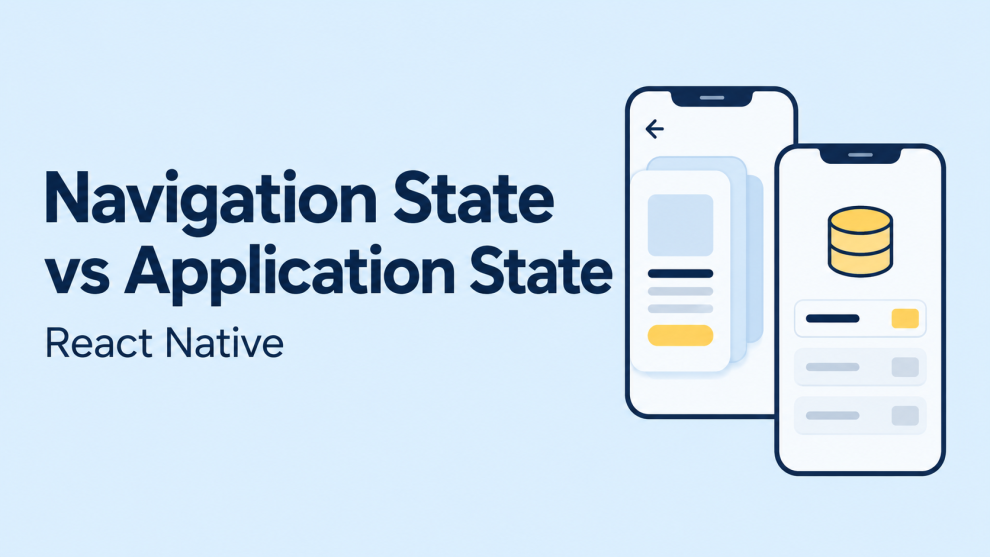
Navigation state describes where the user is and how they can move through the interface. Application state describes the data and business conditions that the interface represents. Local component state handles temporary interactions within that interface.
Understanding these boundaries makes React Native applications easier to debug, test, and extend.
What Is Navigation State in React Native?
Navigation state represents the structure and current position of an application’s navigation tree.
In React Navigation, this includes routes, route keys, the active route index, route parameters, and potentially nested navigator state. A stack navigator uses this information to represent its screen history; tabs use it to track the selected route.
The library manages this structure through navigation actions. Application code should generally use supported methods rather than directly modifying the state object. React Navigation also cautions against relying on internal state properties beyond its documented stable surface.
Examples of navigation state include:
- The active
Orderstab. - A
ProductDetailsscreen opened for productp_104. - A stack containing
Catalog,ProductDetails, andReviews. - A modal route currently presented above another screen.
Navigation answers questions about location and history. It does not establish whether a product exists, whether its price changed, or whether the current user may purchase it.
What Is Application State?
Application state includes information that supports business behavior across the interface.
Examples include an authenticated session, cart contents, saved preferences, and a checkout draft shared across multiple screens.
It helps to distinguish three categories:
| Category | Examples | Typical owner |
|---|---|---|
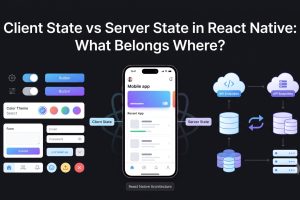
| Navigation state | Active route, stack history, destination identifier | Navigation library |
| Shared client state | Cart draft, selected workspace, multi-screen form | Shared parent, provider, or state store |
| Server state | Product records, order history, account data | Data-fetching layer and cache |
| Local UI state | Expanded panel, input focus, temporary field value | Component or screen |
This is an architectural classification, not a requirement to install four libraries.
React recommends lifting shared state to the closest common owner. A component’s state can remain local until another component or a longer lifetime creates a reason to move it.
A global store should solve an ownership problem. Moving every value into one can make an application harder to understand without improving its behavior.
Route Parameters Should Identify Data
Consider opening a product screen:
navigation.navigate('ProductDetails', {
  productId: 'p_104',
});
The parameter identifies the requested product. The screen can obtain its current record from the application’s data layer.
Passing the entire product introduces another representation:
navigation.navigate('ProductDetails', {
  product: {
    id: 'p_104',
    name: 'Travel Backpack',
    price: 79,
  },
});
If the product changes elsewhere, the route may continue carrying the earlier values.
React Navigation recommends keeping parameters minimal and JSON-serializable. Identifiers, sorting choices, and filters can be appropriate; full business objects and functions generally make persistence and linking harder.
A typed screen boundary makes that distinction explicit:
import type { NativeStackScreenProps } from
  '@react-navigation/native-stack';

type RootStackParamList = {
  Catalog: undefined;
  ProductDetails: { productId: string };
};

type ProductDetailsProps = NativeStackScreenProps<
  RootStackParamList,
  'ProductDetails'
>;

function ProductDetailsScreen({
  route,
}: ProductDetailsProps) {
  const { productId } = route.params;

  // Application-specific hook:
  // loads the record and handles loading/error states.
  return <ProductContent productId={productId} />;
}
The route defines which record the screen needs. ProductContent and its data layer own retrieval and rendering.
Avoid Two Sources of Truth
Duplicated state creates synchronization work.
For example, an application might store:
const [selectedProductId, setSelectedProductId] =
  useState('p_104');

const [selectedProduct, setSelectedProduct] =
  useState(products[0]);
Now every relevant update must keep the identifier and object consistent.
When the selected object can be derived from an identifier and an existing collection, a simpler design is:
const selectedProduct = products.find(
  product => product.id === selectedProductId
);
React’s state-structure guidance recommends avoiding redundant and duplicated state. That principle applies equally when the duplicate appears in a route, component, or shared store.
An editing draft is an important exception. It intentionally represents changes that have not been committed to the saved record. That separation should have explicit save, discard, and conflict behavior.
Navigating Away Does Not Always Unmount a Screen
Screen visibility and component lifetime are different concepts.
In a typical stack, pushing screen B above screen A leaves A mounted. Returning to A therefore does not necessarily rerun a mount-only effect or reset its local state. Exact behavior depends on the navigator and its configuration.
This makes the following assumption unreliable:
useEffect(() => {
  refreshOrders();
}, []);
That effect follows component mounting, not every return to the screen.
For work specifically tied to visibility, React Navigation provides useFocusEffect:
import { useCallback } from 'react';
import { useFocusEffect } from '@react-navigation/native';

function OrderScreen({ orderId }: { orderId: string }) {
  useFocusEffect(
    useCallback(() => {
      const unsubscribe = subscribeToOrder(orderId);

      return () => {
        unsubscribe();
      };
    }, [orderId])
  );

  return <OrderContent orderId={orderId} />;
}
Here, subscribeToOrder is an application-specific function that returns an unsubscribe callback.
useFocusEffect runs while focused and cleans up on blur, unmount, or dependency changes. Its callback should be memoized. Asynchronous work also needs cancellation or protection against applying obsolete results.
Focus-driven refresh should follow an actual freshness requirement. It should not compensate for unclear data ownership.
Authentication Should Determine Available Screens
Authentication is application state. Navigation should respond to it.
A conditional navigator can expose the appropriate screen set:
function RootNavigator() {
  // Application-specific session hook.
  const { status } = useSession();

  if (status === 'loading') {
    return <SplashScreen />;
  }

  return (
    <Stack.Navigator>
      {status === 'signedIn' ? (
        <Stack.Screen
          name="Account"
          component={AccountScreen}
        />
      ) : (
        <Stack.Screen
          name="SignIn"
          component={SignInScreen}
        />
      )}
    </Stack.Navigator>
  );
}
React Navigation’s authentication guidance recommends conditionally defining screens and allowing navigation to react when authentication changes. In this pattern, manually navigating to the destination after changing the session is unnecessary.
A logout flow should also define how user-specific caches and drafts are cleared or separated between accounts.
Screen availability remains a presentation concern. Backend authorization must independently determine whether each request is permitted.
Where Should Multi-Step Form State Live?
A checkout process makes the ownership boundary especially clear.
The current step can be represented by a route. Shipping information, delivery selections, and unsaved notes belong to the checkout draft.
A practical design places draft ownership above the screens that edit it. Each step reads and updates the same draft rather than carrying a growing object through navigation parameters.
The provider’s location determines its lifetime:
| Required behavior | Suggested scope |
|---|---|
| Discard the draft when the checkout flow is removed | Provider around the checkout navigator |
| Retain the draft after leaving checkout | Owner above that navigator |
| Resume after restarting the app | Explicit persisted draft or server-side save |
| Support several independent drafts | Draft storage keyed by identifier |
React ties component state to a component’s position in the render tree. Removing that component destroys its local state; retaining or changing its identity affects whether state survives.
Therefore, draft survival should be a deliberate product decision rather than an accidental consequence of screen mounting.
Deep Linking Tests the Separation
A destination such as:
myapp://products/p_104should contain enough information to locate the screen and request the relevant record.
React Navigation’s linking configuration maps paths to routes and parameters, including parsing values where necessary.
A useful architectural test is opening a destination from a terminated app. If the screen only works after another screen has populated a global selectedProduct, its dependencies are incomplete.
The destination should handle loading, missing records, and unavailable access without relying on a previous visit.
Navigation Persistence Is Not Data Persistence
Restoring navigation can return a user to a previous location. It does not restore every form, cache entry, or authenticated session.
React Navigation supports persistence through mechanisms including initialState and onStateChange, and requires serializable navigation state. Its example also checks for an initial deep link before restoring saved navigation.
A restoration policy should separately address:
- Whether the saved destination still exists.
- Whether the current account may open it.
- Whether a new incoming link should take priority.
- Whether the required draft or record remains available.
Restoring a route should initiate normal data resolution, not imply that its previous contents remain valid.
A Practical State-Ownership Checklist
Before adding state, the team should answer five questions:
- Does it describe location or history? Let navigation own it.
- Does it identify what a destination displays? Consider a small route parameter.
- Does it represent shared business data? Give it an application or data-layer owner.
- Is it temporary and isolated? Keep it local.
- Must it survive leaving the flow or restarting the app? Define that lifetime explicitly.
The strongest validation comes from behavior: opening a deep link, editing a record in another screen, leaving and returning to a form, switching accounts, and restarting the application.
When those scenarios work without copying business objects through routes or synchronizing duplicate stores, the state boundaries are serving the application well.






Add Comment