










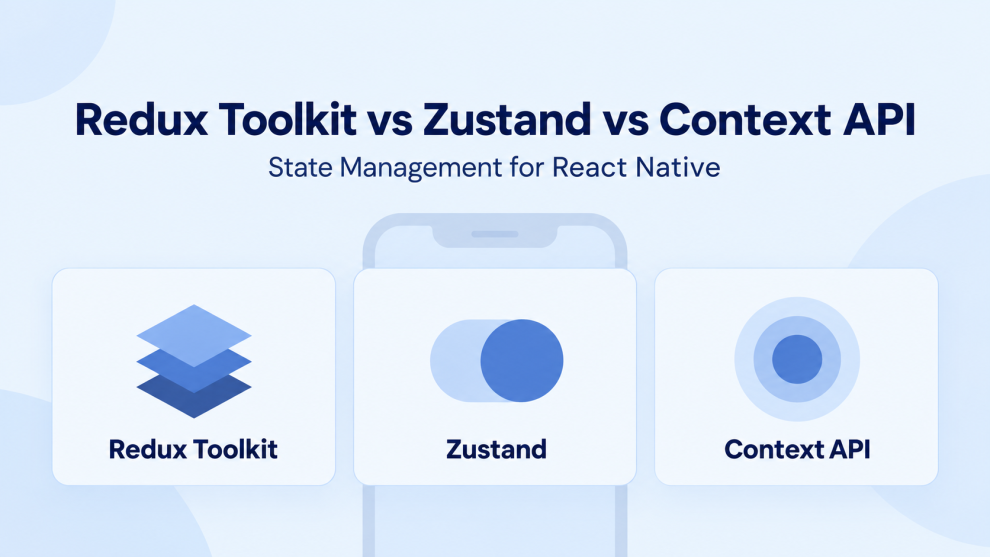

Choosing a React Native state management approach becomes difficult when every comparison promises simplicity, scalability, and better performance. Those labels mean little until they describe a specific workload.
A theme setting, a shopping cart, and a cached product catalog have different requirements. Treating them as one global-state problem can create unnecessary complexity regardless of the library.
Choose Redux Toolkit when shared conventions and coordinated application logic matter; Zustand when selective subscriptions and a compact store API fit the project; and Context when components need access to a focused shared value.
The comparison below draws on official documentation. Recommendations are architectural judgments, rather than results from a benchmark claiming one universal winner.
Start by identifying the state
Before comparing Redux Toolkit vs Zustand vs Context API, separate three responsibilities:
| State category | React Native example | Useful starting point |
|---|---|---|
| Local UI state | An expanded card or temporary text input | Component state |
| Shared client state | A cross-screen draft or selected workspace | Context or an external store |
| Server state | Product availability or order history | A data-fetching and caching layer |
For example, a product screen might keep its open accordion locally, read the selected store location from shared state, and fetch inventory through a query cache.
This division makes the library decision more precise: which responsibilities actually need a shared owner?
Redux Toolkit, Zustand, and Context at a glance
| Dimension | Redux Toolkit | Zustand | Context API |
|---|---|---|---|
| Core approach | Actions, reducers, and a Redux store | External stores with state and actions | Values distributed through the component tree |
| React integration | React Redux provider and hooks | Store hooks; basic usage needs no provider | Context provider and useContext |
| Subscription model | Selected store values | Selected store values | The provided context value |
| API caching | Optional RTK Query | Separate solution or custom implementation | Separate solution or custom implementation |
| Architecture | More prescribed conventions | More team-defined conventions | State logic composed with React APIs |
| Suggested fit | Coordinated workflows across features | Focused shared client state | Theme, configuration, scoped dependencies |
The underlying APIs are documented by Redux Toolkit, Zustand, and React. The suggested fits are starting points, not limits on application size.
Redux Toolkit: useful structure for shared workflows
Redux Toolkit is the standard approach recommended by the Redux project for writing Redux logic. configureStoresimplifies setup, while createSlice generates reducers and action creators. Its Immer integration supports mutation-like reducer syntax while producing immutable updates. Redux Toolkit documentation
Its architectural value becomes clearer when several features respond to the same business event.
Consider a hypothetical delivery app where changing the delivery address affects serviceability, delivery charges, and checkout eligibility. Explicit actions give these changes a shared vocabulary. Teams can review how each feature responds without hiding the entire workflow inside screen components.
That structure still needs design. A poorly organized Redux store can accumulate unrelated flags and duplicate data just as any other store can.
Where RTK Query adds value
RTK Query is an optional part of Redux Toolkit for data fetching and caching. It provides query hooks, request status, and shared cache entries for matching endpoint-and-argument subscriptions. It also supports cache invalidation relationships between queries and mutations. RTK Query documentation
For a commerce app, this supports an architecture where the cart draft belongs to client state while product information belongs to the query cache. Copying every query response into another slice would introduce a second owner that must remain synchronized.
Choose Redux Toolkit when: consistent event naming, cross-feature coordination, and an integrated query layer justify its additional concepts.
Trade-off: developers need to understand slices, dispatch, selectors, and middleware. That investment may offer little benefit for an app with only a few shared preferences.
Zustand: a compact API with architectural flexibility
Zustand creates stores that components consume through hooks. Its basic pattern requires no provider wrapper, and actions can update state through set, including after asynchronous work. Updates must still preserve immutability. Zustand documentation
This makes it a practical candidate for shared filters, a booking draft, or a media queue that several screens need to access.
For example, a booking flow could store the selected dates and guest count together, while exposing actions such as changeDates and resetBooking. Components can subscribe to the fields they display.
Selectors deserve deliberate design
Zustand selectors use Object.is to determine whether their result changed. When selecting an object or array containing multiple values, useShallow can preserve the selected result when its contents remain shallowly equal. Zustand selector guidance
A useful review question is whether a component needs the entire store or just one field. Subscribing a filter badge to unrelated booking details makes its update boundary broader than necessary.
Choose Zustand when: the team wants selective shared state access with little setup and is comfortable defining its own conventions.
Trade-off: a short store definition does not decide feature ownership, request deduplication, or cache invalidation. Those responsibilities need explicit solutions as the application grows.
Context API: effective for focused shared values
Context lets a component read a value from the nearest matching provider. Context itself does not own update logic; an application commonly combines it with useState or useReducer.
React documents a reducer-and-context pattern that separates state from dispatch, allowing deeply nested components to participate in a shared workflow. React’s reducer and context guide
This can suit a scoped onboarding flow or a feature whose state should exist only while its provider is mounted.
Understand what triggers consumer updates
When a provider receives a different value, React updates components consuming that context. It compares values using Object.is; wrapping a consumer in memo does not block fresh context values. This does not mean every descendant automatically re-renders because of context. React’s useContext reference
A practical implication: avoid combining theme, cart contents, and live progress in one provider value. Splitting unrelated concerns gives consumers narrower dependencies.
Choose Context when: the shared value has a clear scope and its consumers reasonably need to respond together.
Trade-off: building selective subscriptions and comprehensive asynchronous data handling around Context can introduce more custom infrastructure than adopting a store or query library.
React Native performance: measure the actual interaction
Neither a smaller API nor a more structured store establishes which implementation will deliver smoother scrolling.
At 60 frames per second, the frame interval is roughly 16.67 milliseconds. Expensive JavaScript work can delay interactions and JavaScript-driven animations. React Native recommends evaluating performance in release builds because development mode adds overhead. React Native performance guide
React Redux’s useSelector compares results using strict equality by default. Returning a new object after every dispatch can therefore trigger unnecessary updates; individual selectors, memoized selectors, or an appropriate equality function can help. React Redux hooks reference
For a useful comparison, implement the same interaction with realistic data and measure it on representative devices:
- Toggle one saved item in a populated feed.
- Update a cart quantity while its summary remains visible.
- Type into a search field while results refresh.
Inspect render duration, input responsiveness, and memory. Also examine list configuration and row complexity: React Native’s FlatList optimization guide covers these separate performance factors.
Mobile concerns that affect all three choices
Restoring saved state
Zustand’s persistence middleware supports AsyncStorage, field selection, and versioned migrations. With asynchronous storage, persisted values arrive after store creation, so initial rendering may see defaults. Zustand persistence documentation
Design a restoration phase when navigation depends on saved values. Distinguish “still loading” from “no saved selection,” and decide what happens when restoration fails.
Refreshing after backgrounding
RTK Query’s default setupListeners implementation uses browser focus, visibility, and connectivity events. It also exposes a custom handler. For React Native, connect native app-state and connectivity signals deliberately when implementing focus or reconnect refetching. RTK Query listener reference
The engineering question is which data may be stale when someone returns to the app, and what should refresh before they act.
Offline behavior
Saving state locally does not define a synchronization strategy. An offline editing feature still needs decisions about queued changes, retries, conflicts, and server acknowledgment. Evaluate those requirements separately from the choice of UI store.
How to choose for your project
Use these architectural starting points:
| Project situation | Starting choice | Reason |
|---|---|---|
| Theme and a few shared settings | Context | Focused shared values need little infrastructure |
| Cross-screen drafts and filters | Zustand | Selective subscriptions with a compact API |
| Multiple teams coordinating business workflows | Redux Toolkit | Shared action and reducer conventions |
| Extensive API data with a planned Redux architecture | Redux Toolkit with RTK Query | Client state and query caching within one ecosystem |
| One isolated feature with clear state transitions | Context with a reducer | Scoped lifetime and explicit updates |
Validate the choice with a meaningful feature test. Redux’s testing guidance favors integration tests using a real store and a fresh store instance per test. Redux testing guide
Across all three approaches, test outcomes such as a draft surviving navigation, stale responses not replacing newer results, and previous-user data disappearing after logout.
Frequently asked questions
Is Zustand better than Redux Toolkit for React Native?
Zustand can suit teams prioritizing a compact shared-state API. Redux Toolkit can suit teams prioritizing common workflow conventions and integrated querying. Prefer the option that reduces the project’s specific maintenance burden.
Can Context replace Redux?
For some applications, Context with component state or a reducer is sufficient. Replacing an established Redux implementation also requires accounting for its selectors, asynchronous workflows, and data ownership rules.
Can these approaches coexist?
Yes. An app can use Context for theme and one external store for shared client state. Give each piece of data one clear owner; introducing multiple libraries to manage the same values makes synchronization harder.
Choose around state ownership, update patterns, and team needs. Revisit the decision when those requirements change—not simply because another library becomes fashionable.









Add Comment